01
 See Details
Assume SDOF Equation of Motion (Standardized by Mass)
Transform Standardized Equation of Motion into a System of First-Order Equations
Substitute SDOF Natural Frequency and Damping
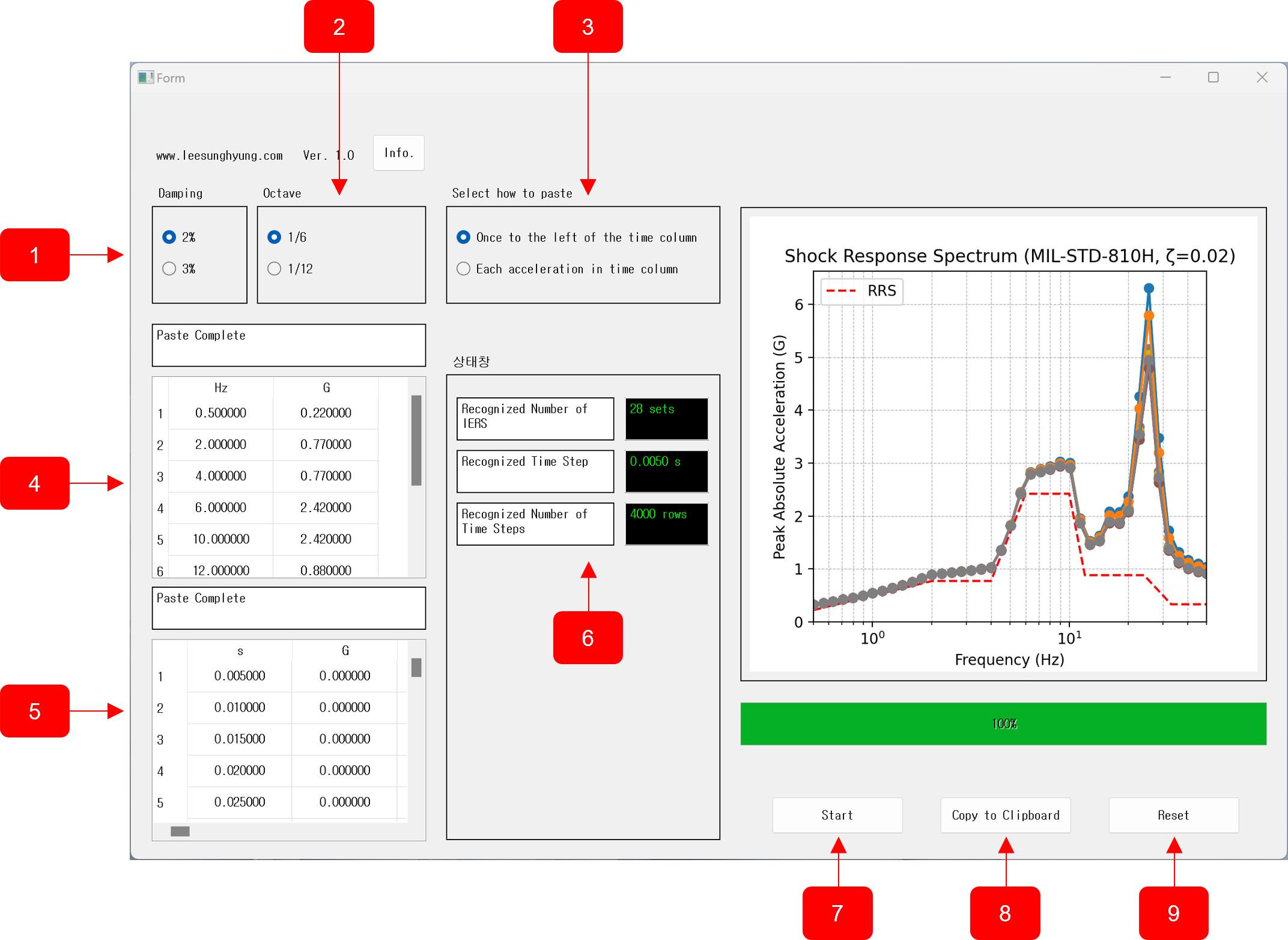
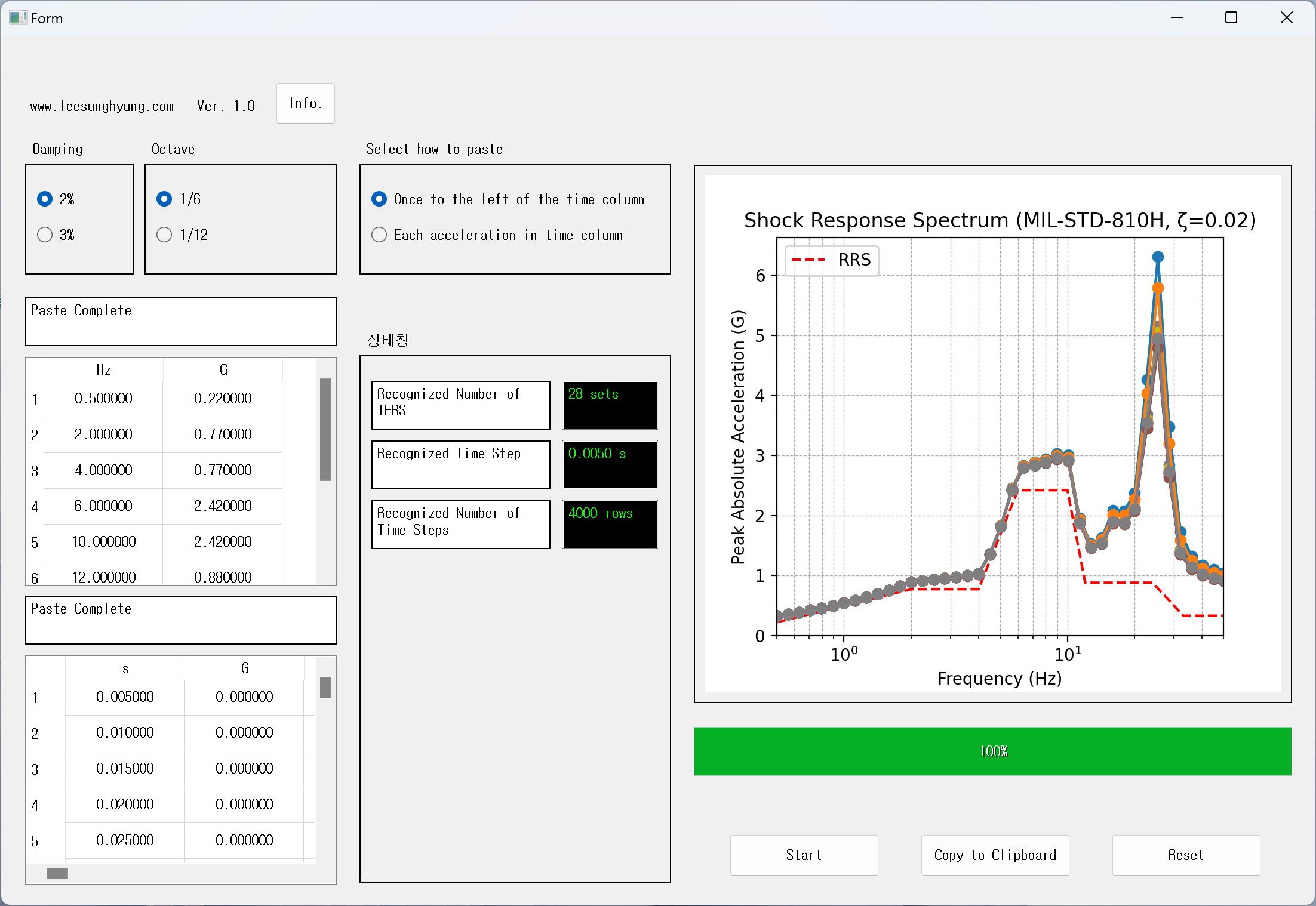
Perform Numerical Integration
Calculate Relative Displacement, Relative Velocity, Relative Acceleration, and Absolute Acceleration
Record Maximum Time-Domain Response for Each SDOF Natural Frequency
02
 See Details
Assume SDOF Equation of Motion (Standardized by Mass)
Derive Transfer Function (Absolute Acceleration) using Laplace Transform
Substitute Angular Frequency, SDOF Natural Frequency, and Damping into the Transfer Function
Perform FFT on Input Acceleration Signal and Multiply by Transfer Function
Perform Inverse FFT to Extract Maximum Time-Domain Response
Record Maximum Time-Domain Response for Each SDOF Natural Frequency